Introduction to the Courier Application (VSoft Courier)
The VSoft Courier application is designed specifically for delivery couriers to efficiently manage and perform Pickup and Delivery operations with ease and speed.
The app works in full integration with the main web system, where the Operations Employee adds shipments — whether those are pickups from customers or deliveries to customers — and these shipments appear instantly in the courier’s mobile app.
Through the application, the courier can easily manage each shipment by:
- Updating the shipment status to Delivered or Not Delivered.
- Viewing shipment details and the customer’s location on the map.
- Organizing and executing daily tasks quickly and efficiently.
The VSoft Courier app helps improve communication between couriers and operations staff, ensuring all pickup and delivery processes are completed accurately and smoothly.
Login Screen – Entering the Company Code
The first screen that appears when the courier opens the VSoft Courier app is the Login screen, where they are required to enter the Company Code.
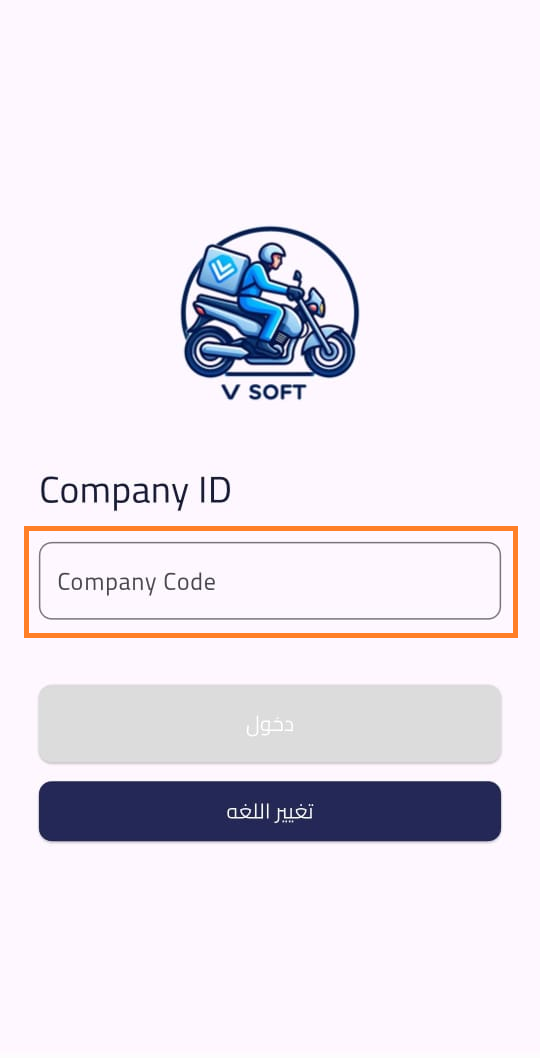
The Company Code is used to link the courier application with the company’s Dispatch System, allowing the app to display the correct shipments and data related to that specific company.
Note: The courier can obtain the Company Code from the company’s administrator. It’s the same code that exists in the Dispatch system.
Once the code is entered correctly, the courier can proceed to the next step to log in with their personal account.
Login Screen – Username and Password
After entering the Company Code successfully, the courier moves to the Login screen, where they are prompted to enter their Username and Password to access the VSoft Courier app.
At the top of this screen, the Company Name and Logo are clearly displayed to confirm the company’s identity and ensure the courier is logging into the correct system.
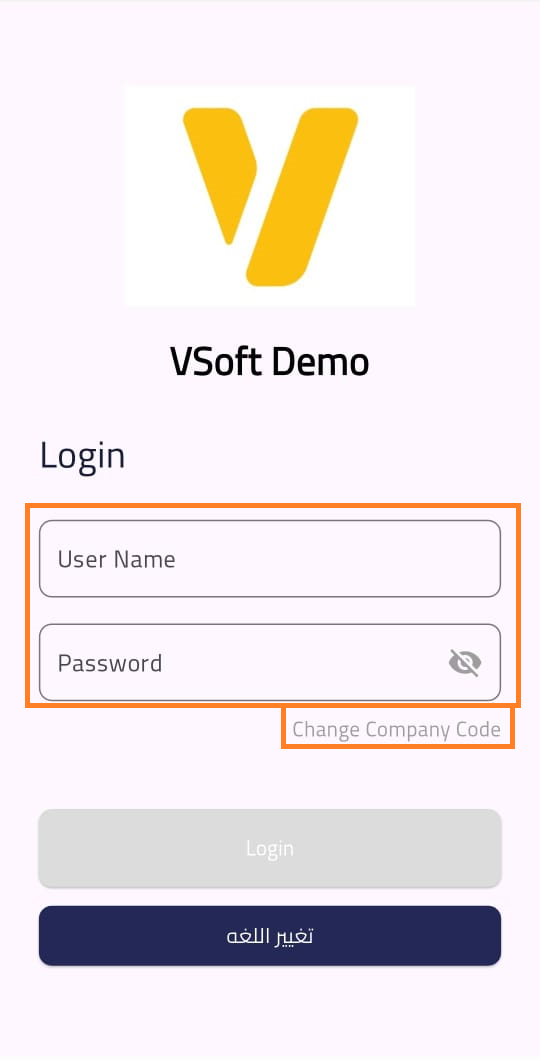
On this page, the courier can also:
- Change the Company Code entered in the previous step if needed.
- Change the application language, with three available options: Arabic, English, and Urdu, to accommodate different users.
Note: The Username and Password are created through the Employee Setup screen inside the Dispatch System by the Operations Employee. The Password must contain at least 6 characters or digits to ensure a suitable level of security during login.